AI voice ordering for restaurants, with Dial4.food
Dial4.food turns every phone call into a confirmed digital order. Customers call your dedicated number and simply tell the AI what they want; Posso AI takes the order from your live menu, reads it back with the total, and prints a clean ticket straight to your kitchen — every call answered, with no app or account for the customer.
In short
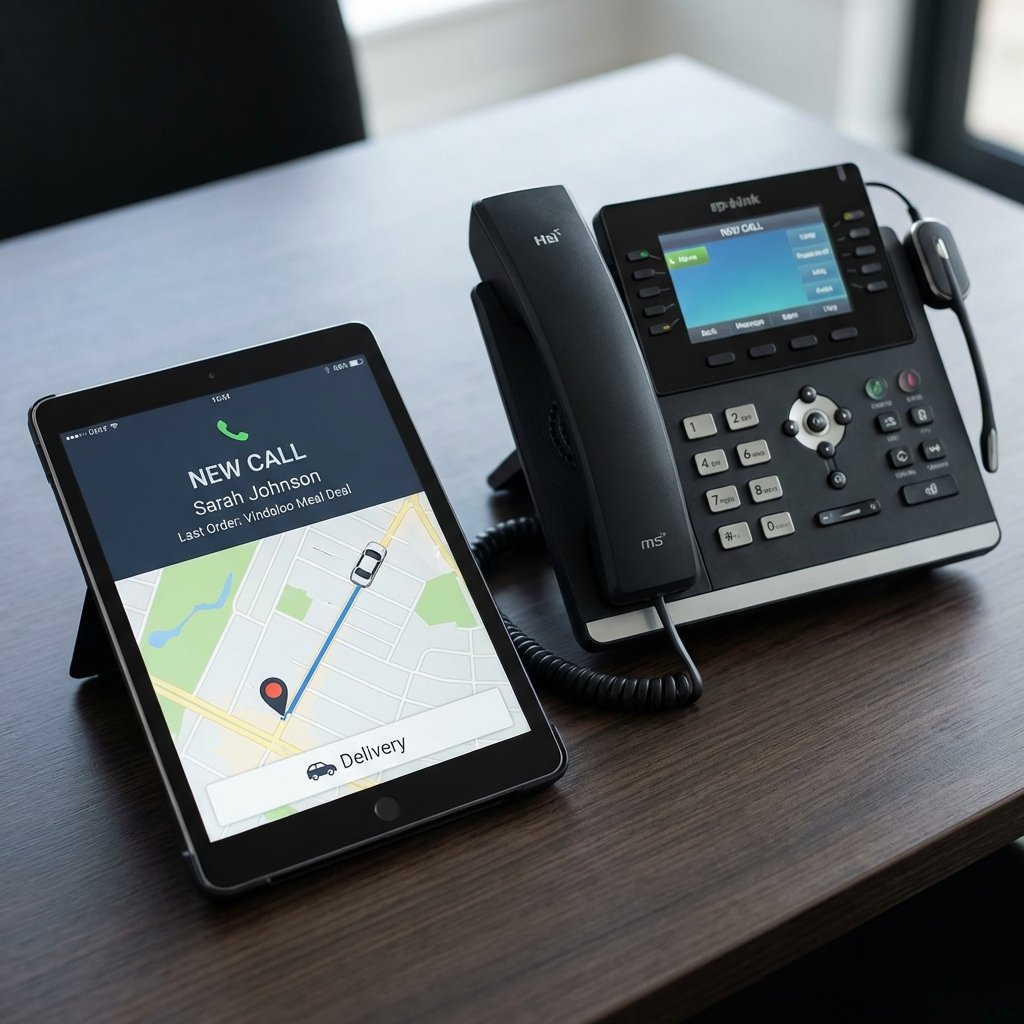
Dial4.food is an AI voice-ordering service from Posso for UK restaurants and takeaways. Customers browse your menu online, tap a dedicated Dial4.food number and tell the AI assistant what they want; Posso AI takes the order from your live menu, asks the right follow-up questions, reads the order and total back, then sends a confirmed ticket to your till, kitchen printer or display. Every call is answered — even in the Friday rush — with no app or account for the customer, and it works for collection and delivery. It is powered by Posso AI, which connects the call to your menu, payments, POS and kitchen.
From call to kitchen
No app to install and no account to create. If a customer can make a phone call, they can order.
A customer taps your number
They find your menu and tap your dedicated Dial4.food number — from your listing, a QR code, your own website or a social post.
Posso AI takes the order
The AI works from your live menu — prices, sizes, options and what is available today — asks the right follow-up questions and handles changes mid-order.
It reads the order back
It repeats the full order and the total, confirms collection or delivery and the address, and only sends it once the caller agrees.
It prints in your kitchen
A clear, structured ticket lands on your Posso POS, order terminal and kitchen printer or display — no handwriting, no re-keying.
Turn every phone call into a confirmed order
A dedicated AI ordering channel for your restaurant — the calls you miss today, answered and turned into clean digital tickets.
Never miss a call
Every call is answered, even when four arrive at once at 7pm on a Saturday — no ringing out, no hold music, and no customer ordering from whoever picks up next.
Clear, structured tickets
No handwriting to decipher and no details lost between the phone and the pass. Sizes, options and extras arrive exactly as the customer said them.
Your menu, your prices
The AI orders from your live menu — sizes, options, extras and availability applied every time — so a sold-out item is never taken.
Collection and delivery
Offer collection, plus delivery where you run it. The AI confirms the address and reads the total, delivery included, before it sends the order.
Straight into Posso
Orders land on your Posso POS, order terminals and kitchen printer or display, alongside your counter and online orders — one flow, one set of numbers.
Optional Posso Pay
Take payment during the call through Posso Pay on supported setups, or keep it pay-on-collection — your choice, settling into the same reports as your till.
It understands how people actually order
Posso AI works from each restaurant's real menu — prices, portions, options and what is available today. It handles the messy, human way people order, and reads everything back before the order is sent:
- Choosing sizes and portions
- Adding toppings and extras
- Removing ingredients
- Collection or delivery
- Handling corrections mid-order
- Reading the order and total back
- Confirming delivery addresses
- Taking payment during the call (supported setups)
Options such as delivery areas and taking payment depend on each restaurant's setup.
Ordering food shouldn't need a tutorial
People already know how to ask for what they want — Dial4.food lets them do exactly that, which is why customers pick up the phone.
No app to download
Nothing to install, update or make room for on a phone.
No password to remember
No account, no sign-up and no reset emails — just call.
Easier if you’d rather talk
Say what you want in your own words instead of tapping through screens.
Faster than fiddly menus
“Large, no onions, extra cheese” takes seconds to say.
Ask before you order
Check what is in a dish, how big a portion is, or what is spicy.
Works for everyone
Suits people of all ages and abilities, including anyone who finds small screens hard.
Powered by Posso AI
Dial4.food is the customer-facing side of Posso's voice ordering: a dedicated restaurant page and phone number your customers can find and call. Behind every conversation, Posso AI connects the call to your menu engine, payments, POS terminals, kitchen printers and displays and order management — so a spoken order becomes a structured ticket in the same system as your EPOS, online ordering and counter takings.
Prefer to keep your own existing phone number rather than a dedicated Dial4.food line? That is a different setup — see AI phone ordering, where the AI answers calls on your current number and can also handle table bookings. Both run on Posso AI; Dial4.food adds a listing customers can discover and a number built for ordering.
Answer every call — without answering the phone
Get your restaurant a Dial4.food page and number, and let Posso AI take the orders while your team looks after the customers in front of them.
Dial4.food AI voice ordering — FAQs
What is Dial4.food?
Dial4.food is an AI voice-ordering service from Posso for UK restaurants and takeaways. Customers browse a restaurant’s menu online, tap a dedicated Dial4.food number and tell the AI assistant what they want. Posso AI takes the order from the live menu, reads it back with the total and sends a confirmed ticket to the restaurant’s kitchen. There is no app or account for the customer.
How does Dial4.food work for my restaurant?
You get a dedicated Dial4.food restaurant page and phone number. When a customer calls, Posso AI takes the order from your live menu — sizes, options, extras and availability — confirms collection or delivery and the total, then sends a clear, structured ticket to your Posso POS, order terminal and kitchen printer or display. Every call is answered, even at peak.
Do customers need an app or account to order?
No. That is the point — no app to download, no account to create and no password to remember. If a customer can make a phone call, they can order. It suits people of all ages and abilities, including anyone who finds small screens difficult.
What can the AI handle on a call?
It chooses sizes and portions, adds toppings and extras, removes ingredients, handles corrections mid-order, confirms collection or delivery and the delivery address, and reads the full order and total back before sending. On supported setups it can also take payment during the call. It works from your real menu, so it never takes a sold-out item.
Does it work with my Posso till and kitchen printer?
Yes. Dial4.food runs on Posso AI, which sends confirmed orders to your Posso POS, order terminals and kitchen printer or display — alongside your counter and online orders, in one flow and one set of reports. There is no re-keying for your staff.
Can customers pay over the phone?
On supported setups, yes — payment can be taken during the call through Posso Pay, and it settles into the same reports as your till takings. You can also keep orders pay-on-collection. Payment and delivery options depend on each restaurant’s setup.
How is Dial4.food different from AI phone ordering on my own number?
Dial4.food gives you a dedicated ordering number and a listing customers can discover and call. Posso’s AI phone ordering instead puts the AI on your existing phone line, answering the calls that come to your current number and handling questions and table bookings too. Both use Posso AI — the right one depends on whether you want a dedicated ordering line or AI on the number you already advertise.
How do I get my restaurant on Dial4.food?
List your restaurant at dial4.food, or book a demo with the Posso team. We set up your menu, your dedicated page and number, and connect it to your POS and kitchen so orders arrive ready to cook.
Get Your Free ePOS Demo Today
See how Posso can transform your restaurant or venue. Book a free, no-obligation consultation with our team and get a personalised demo of our ePOS systems, self-order kiosks, and more.
Free call — available Monday to Friday, 9am–9:30pm. Or email us anytime at info@posso.co.uk