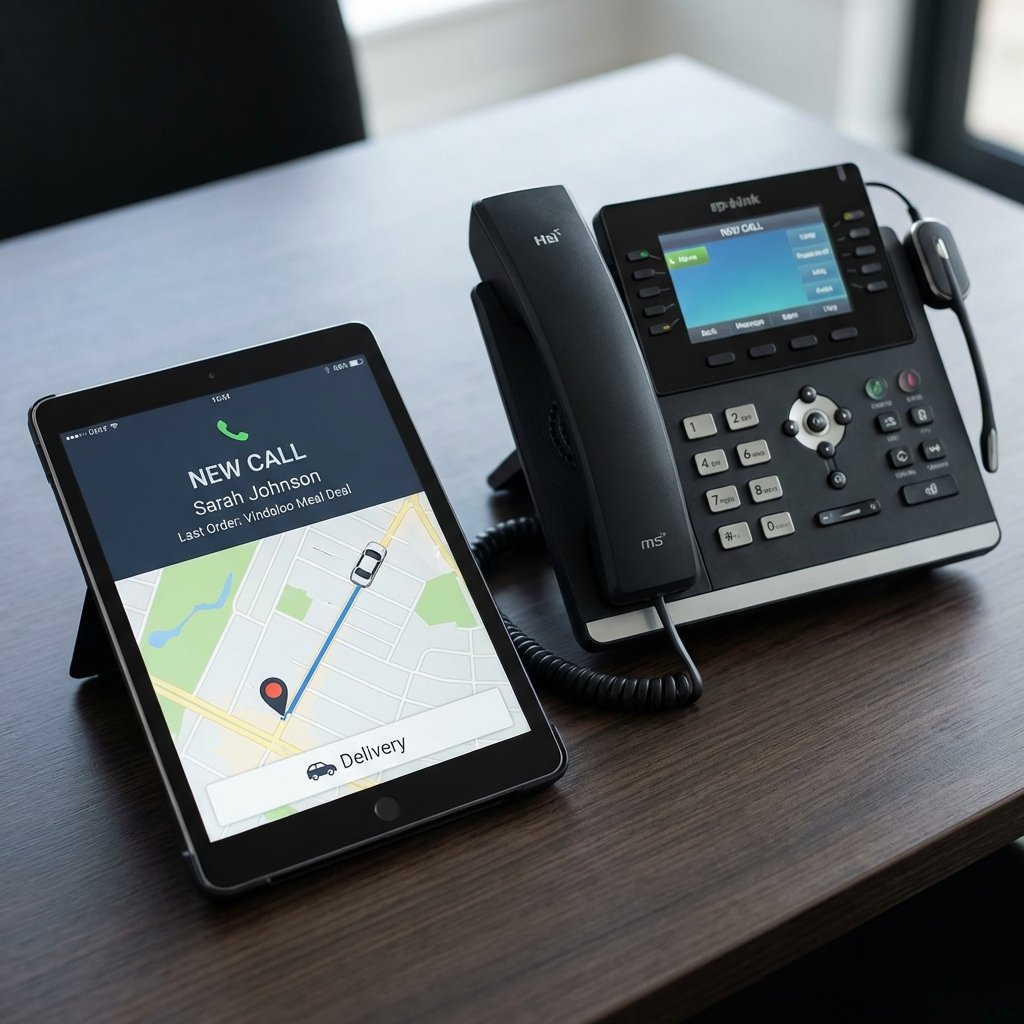
Let AI answer the phone and take the order
Dial4.food takes food orders by natural phone conversation and sends them straight to your kitchen — no app, no account for your customers.
Turn any dish into a menu image that sells
Food Menu Studio is Posso's AI food image generator. Describe a dish in plain English and get a professional, consistently styled photo for your menu in minutes — no photographer, no studio and no waiting. Built for UK restaurants, takeaways, cafés, pubs and food delivery businesses.
15 images on the house when you create an account. No card required.
In short
Food Menu Studio is Posso's AI food image generator for UK hospitality menus. You describe a dish the way you would to a customer — "double cheeseburger with crispy bacon, lettuce, burger sauce and seasoned fries" — and it returns a professional, well-lit photo in one consistent house style, downloaded as a 1024×1024 PNG. Every new account gets 15 free images with no card required; after that you buy one-off credit packs with no subscription, and unused credits do not expire. Use the images on your website, EPOS and kiosk screens, digital menu boards, your own online ordering pages and delivery-marketplace listings.
Real examples, one house style
Every image below was produced by Food Menu Studio from a written description of the dish — no stock photography, and no photographer, studio or food stylist involved.
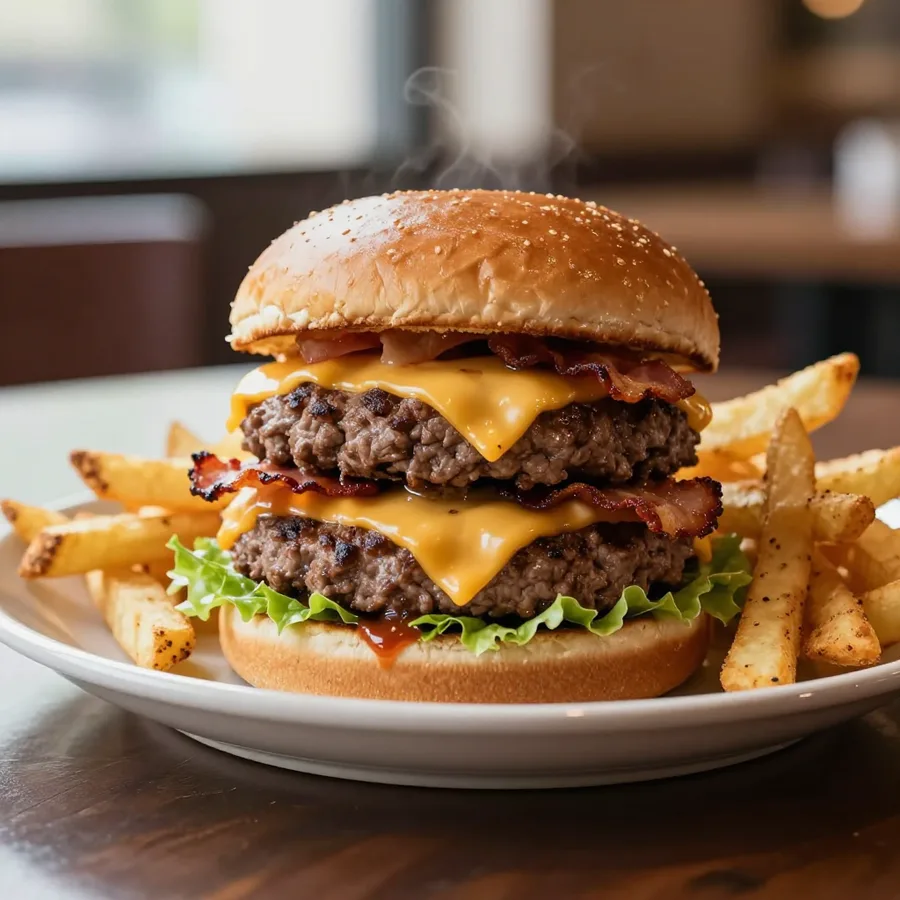
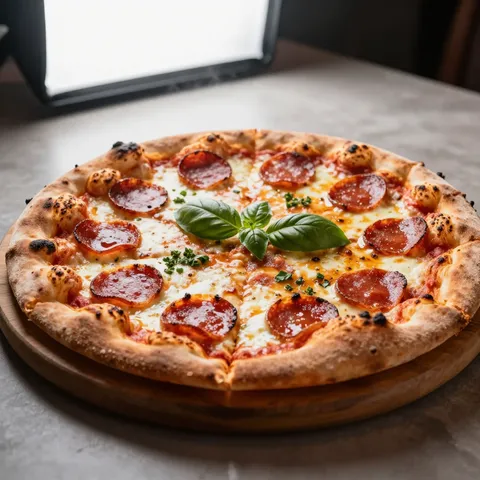
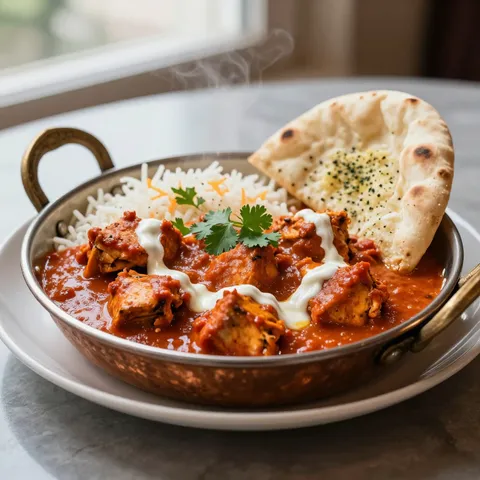
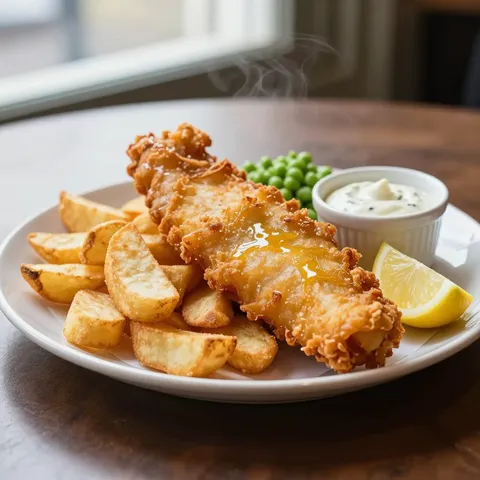
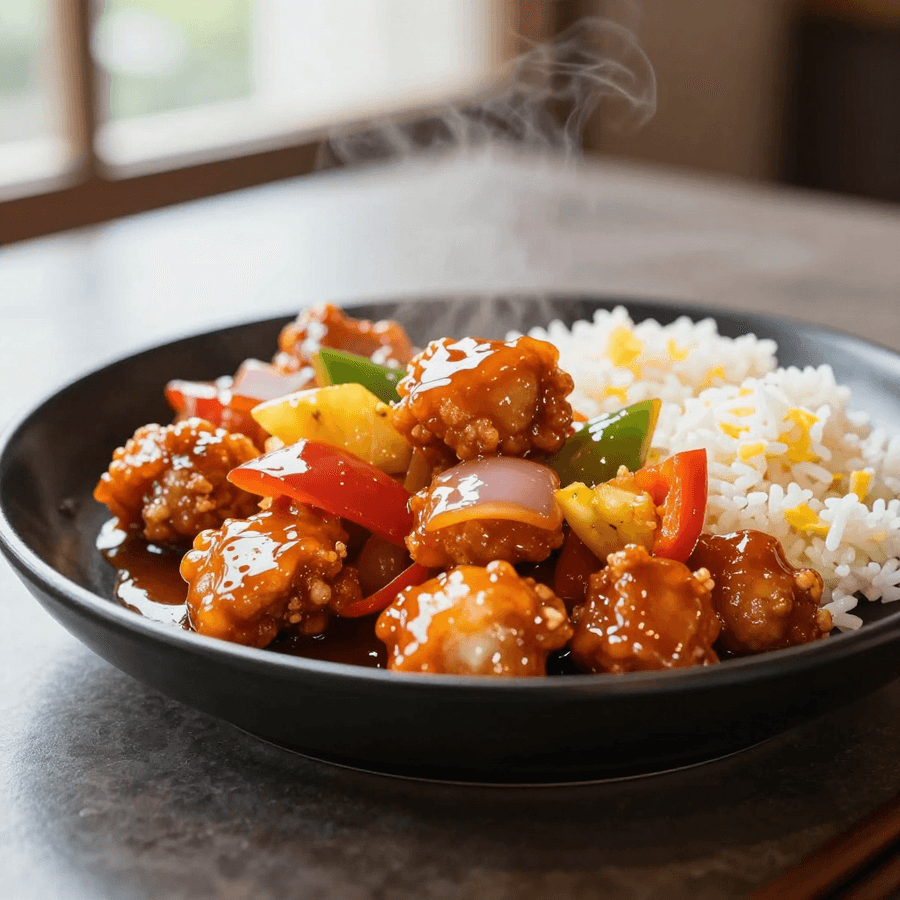
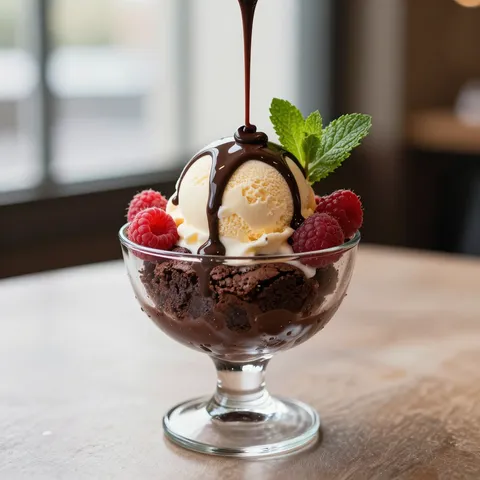
Example images from Food Menu Studio, resized for this page.
Customers eat with their eyes
An appetising picture beside every dish makes a menu easier to browse and easier to understand — and a menu shot in one consistent style reads as a single, deliberate thing, not a scrapbook of phone snaps.
Ready in minutes
Describe a dish, generate the image and get back to service. Nothing to schedule, nothing to wait for.
No photographer to book
No studio hire, no food stylist and no half-day session organised around a quiet lunchtime.
One consistent style
Every dish is lit, plated and framed the same way, so your whole menu looks considered top to bottom.
Update it whenever
New special, new supplier, new season — generate a fresh image the same day the menu changes.
Use it everywhere
Your website, EPOS and kiosk screens, printed menus, digital menu boards and delivery-platform listings.
Web-ready downloads
High-quality 1024×1024 PNG images sized for menus and ordering pages — upload them exactly as they are.
Three steps from menu text to menu photo
No brief to write, no shoot to organise and no design software to learn. If you can type out the dish, you can produce the picture that goes beside it.
Describe your dish
Type it the way it reads on your menu, then add the details that matter — the cut of meat, the sides, the sauce and how it comes to the table. Plain English, no prompt-writing.
Generate the image
Food Menu Studio returns a plated, well-lit photo in the same house style as the rest of your menu. Each image uses one credit and includes a free retry if it is not quite right.
Download and add it
Save the finished file and put it wherever your menu lives — your website, your Posso EPOS and kiosk screens, a printed menu or your delivery listings.
One image, every place you sell
You generate an image once and download the file. From there it is an ordinary image on your computer or phone, so it can go wherever your menu appears — nothing to connect and no integration to set up:
- Your own online ordering and click-and-collect pages
- Posso self-order kiosks and tablet ordering
- Digital menu boards above the counter and in the window
- Your EPOS till and ordering screens
- Delivery marketplaces such as Just Eat, Deliveroo and Uber Eats
- Your website, printed menus and social media
Free to start, one-off packs after that
Every account starts with 15 free images and no card required. After that you buy a one-off credit pack — there is no subscription, no monthly minimum and nothing that renews on you. One credit covers one dish and includes a free retry, so if a picture is not quite right you can put it right for nothing, and any credits you do not use do not expire.
Paid packs start from £19 + VAT (working out at roughly 50–65p an image, less on the larger packs). See Food Menu Studio for the current packages and prices.
Show your dishes honestly. Food Menu Studio creates a polished image from your description — make sure what you publish is a fair representation of the dish you actually serve. It is not affiliated with, endorsed by or integrated with Just Eat, Deliveroo, Uber Eats or any marketplace; those names are examples only, and each platform sets its own image requirements, so check theirs before you upload.
Give your menu 15 free images
Create an account, describe your bestsellers and see them plated in one consistent style — no card, no photographer, no wait.
AI food image generator — FAQs
What is Posso’s AI food image generator?
It is Food Menu Studio, an AI tool at images.posso.co.uk that turns a written description of a dish into a professional, consistently styled menu photo. You describe the dish in plain English, generate the image, and download a 1024×1024 PNG ready to use on menus and ordering pages. Every new account gets 15 free images with no card required.
How many free food images do I get?
Every account starts with 15 free images and no card required. After that you buy a one-off credit pack — there is no subscription and nothing that renews. One credit covers one dish and includes a free retry, and unused credits do not expire.
How does the AI food image generator work?
Three steps: describe the dish the way it reads on your menu (the cut of meat, the sides, the sauce, how it is served); generate the image, which comes back plated and well-lit in one house style; then download the file and add it wherever your menu lives. There is no brief to write, no shoot to book and no design software to learn.
Where can I use the images?
Anywhere your menu appears. Common places are your own website, your Posso EPOS and self-order kiosk screens, digital menu boards, your own online ordering and click-and-collect pages, delivery marketplaces such as Just Eat, Deliveroo and Uber Eats, and social media. You download an ordinary image file, so there is nothing to integrate.
Do I need photography or design skills?
No. If you can describe a dish to a customer at the counter, you can describe it to Food Menu Studio — that is the whole skill. There is no photography jargon and no prompt-writing.
How much does it cost after the free images?
Paid packs are one-off and start from £19 + VAT, working out at roughly 50–65p per image (less on larger packs). There is no subscription or monthly minimum, and credits do not expire. See images.posso.co.uk for current packages.
Are the images real photographs?
No — they are AI-generated from your written description, not stock photos and not a photograph of your actual plate. They are designed to look like professional menu photography in one consistent style. You should make sure the image you publish is a fair representation of the dish you actually serve, and check each platform’s own image rules before uploading.
What size and format are the images?
Each image is a high-quality 1024×1024 PNG — a square file sized for menus, ordering pages and delivery listings, ready to upload as it is.
Get Your Free ePOS Demo Today
See how Posso can transform your restaurant or venue. Book a free, no-obligation consultation with our team and get a personalised demo of our ePOS systems, self-order kiosks, and more.
Free call — available Monday to Friday, 9am–9:30pm. Or email us anytime at info@posso.co.uk